
Setting SMART Financial Goals That Actually Stick
Learn how to transform vague wishes into specific, measurable targets. We’ll break down the SMART framework and show you exactly how to apply it to your own financial situation.
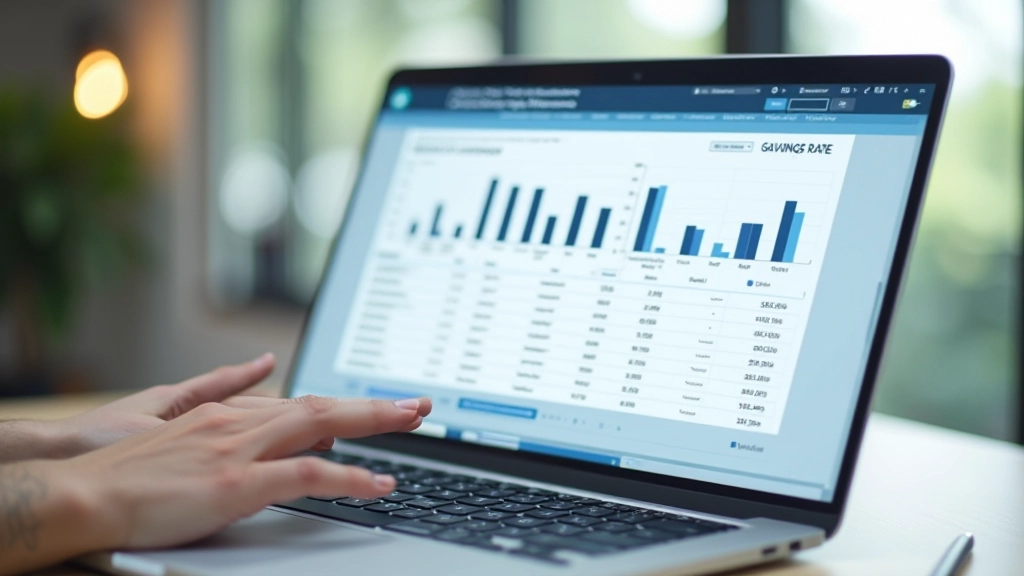
Read MoreA dashboard doesn’t need to be complicated. We’ll walk you through setting up a simple system—spreadsheet, app, or hybrid—that gives you a clear picture of your financial health at a glance.

Most people avoid tracking their finances because it sounds tedious. But here’s the thing — you don’t need to obsess over every transaction. What you need is visibility. A dashboard gives you that bird’s-eye view without requiring hours of work each month.
Think of it like a car dashboard. You don’t need to understand every mechanical detail. You just need to know your fuel level, speed, and if something’s wrong. Your financial dashboard works the same way. It’s a snapshot tool, not a micromanagement system.
We’re talking about something you can set up in an afternoon. Maybe a spreadsheet. Maybe an app. Maybe both. The format doesn’t matter nearly as much as what information you’re actually tracking.

Your dashboard needs exactly four things. Not five. Not seven. Four. This keeps it simple and actually usable.
Total assets minus total debts. Update this monthly. You’ll be surprised how motivating it is to see that number move in the right direction, even by small increments.
Income in, expenses out. This shows whether you’re actually saving money or just thinking you are. Most people discover they’re leaking cash in places they didn’t realize.
How much you’ve saved toward specific goals. Emergency fund target. House down payment. Vacation fund. Whatever matters to you. Track progress as percentages — that’s more motivating than raw numbers.
What’s actually eating your paycheck. Rent, groceries, subscriptions, everything. You need to see this by category, not as one lump sum. That’s where the real insight happens.
You’ve got options. Pick the one that matches how your brain works.
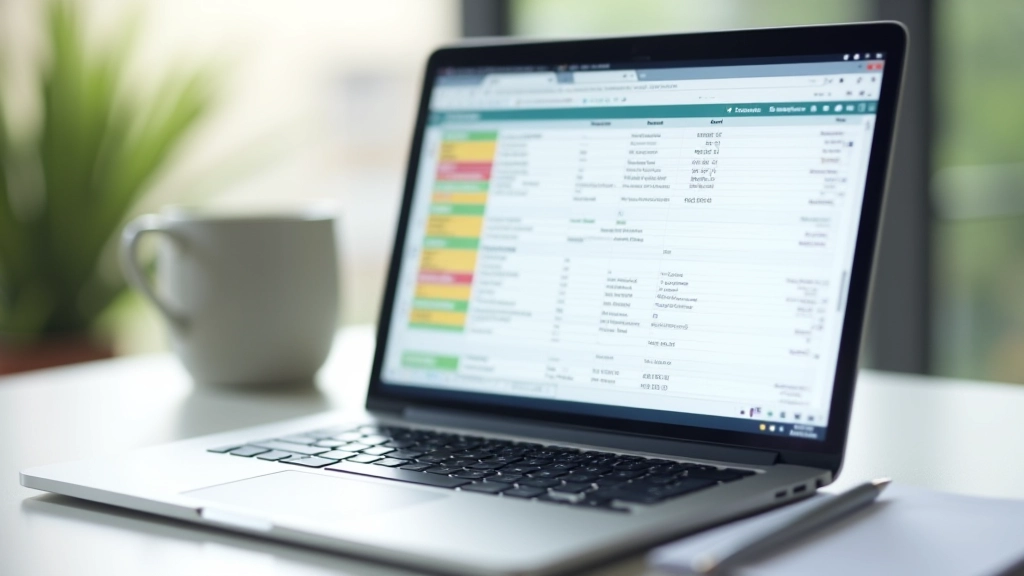
Free. Flexible. Takes about 2 hours to set up properly. You’ll create a template with your net worth table, monthly expense tracker, and a goals sheet. The learning curve is real if you’ve never used formulas, but there are templates online you can copy. Once it’s done, you update it once a month and you’re golden.
Automated data pulls from your bank. Instant categorization of spending. Some are free, some charge RM30-40 monthly. The upside? You’re not manually entering data. The downside? You’re relying on their categorization being accurate, which it sometimes isn’t.
Use an app for automatic transaction tracking. Use a spreadsheet for net worth and goals. Best of both worlds — you get the automation without losing control. This is what most people end up doing after trying the other two.
This’ll take about 3-4 hours if you’re doing the spreadsheet route. If you’re using an app, you’ll be done in 45 minutes. Either way, do it on a weekend when you’ve got time to think.
Bank accounts, investments, property value. Mortgages, credit cards, loans. Don’t estimate — actually check your statements. This is your starting point.
Assets minus liabilities. That’s it. Write it down. This is the number you’ll track monthly. Don’t feel bad if it’s negative — you’re fixing that starting today.
Look at last month’s bank statement. Group everything into 5-8 categories: housing, food, transport, subscriptions, etc. You’ll refine this as you go, but get a baseline now.
Emergency fund target (usually 3-6 months expenses). Any other savings goals. Put dollar amounts on them. Your dashboard needs to track progress toward these, not just track money disappearing.

You can have the most beautiful dashboard in the world. But if you don’t look at it, it’s useless. That’s why you need one non-negotiable habit: update it monthly.
Pick a specific day. First Sunday of the month works well. Spend 20 minutes updating your net worth, reviewing your spending, checking progress on goals. That’s it. Just 20 minutes once a month keeps everything current.
Don’t obsess over daily updates. That path leads to burnout. Monthly is enough to catch trends, celebrate progress, and make adjustments. If you notice something weird (like you spent RM800 on food somehow), you’ve still got three weeks in the month to adjust. That’s the real value.
Pro tip: Set a calendar reminder on your phone. When it pings, you update your dashboard. Takes 15-20 minutes, not the hour you’re imagining in your head.

Your first dashboard won’t be perfect. You’ll realize you forgot to track something important. You’ll discover your categories need reworking. That’s normal. The system improves as you use it.
The goal isn’t perfection. It’s clarity. You need to know where your money’s going and whether you’re moving toward your goals. Everything else is just details you’ll figure out.
Start this weekend. Pick your tool. Spend the afternoon setting it up. Then commit to that monthly 20-minute review. That’s all it takes. Six months from now, you’ll have actual data showing your progress. That’s when it gets interesting.
You’ve got the roadmap. The only thing left is to actually do it. Pick your tool, set a reminder, and start tracking. Your future self will thank you.
Explore More Financial GuidesThis article provides educational information about personal finance tracking and dashboard management. It’s not financial advice, tax guidance, or professional investment counsel. Your financial situation is unique to you. Before making significant financial decisions, consult with a qualified financial advisor or tax professional who understands your specific circumstances. The tools, apps, and approaches mentioned are for informational purposes. We don’t endorse any particular product or service.